
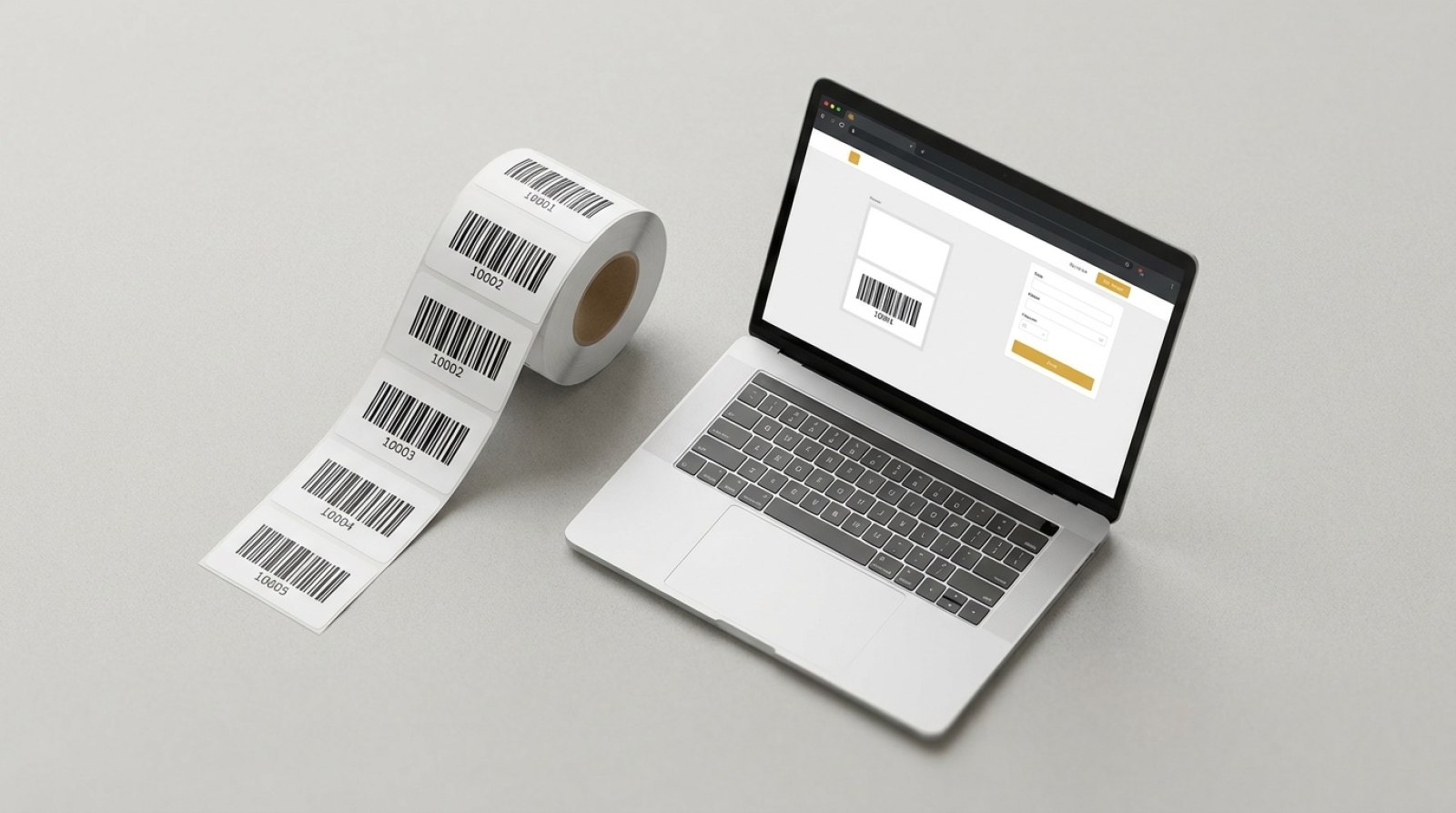
Barcode labels with sequential numbers and your logo — design them yourself in Label Studio
Barcode labels with sequential numbers and your logo are the standard for professional stock-taking, inspection labels and product labelling. Instead of commissioning a graphic design agency or installing design software, design your labels yourself in your browser: using Label Studio from Barcodeetiketten.com. Combine text, barcodes, QR codes and your company logo, set the starting number, then add to your basket.
→ Open Label Studio now
Design labels with your logo directly in your browser · No installation required · No registration required
- 27 label variants — 5 sizes × 3 materials × 3 print runs (100 / 500 / 1,000 pieces)
- Sequential numbering per barcode can be enabled — each label has a unique code
- Upload your logo as a PNG, JPG or SVG
- Barcodes and QR codes with automatic check digit
- Prices from €36.90 per roll (100 pieces, white PE, 54×30 mm)
- Save layouts and reuse them for repeat orders
Why use barcode labels with a logo?
A logo on a barcode label is not merely decorative, but serves a practical purpose:
- Recognition in goods-in — your staff can distinguish your own label from the supplier’s label at a glance.
- Tamper-proof — Inspection labels with a logo are harder to forge than anonymous standard labels, as the logo serves as a mark of authenticity. This is a particularly strong argument when it comes to DGUV V3 inspections.
- Trust in the retail sector — Product labels with a logo signal the origin to the end customer.
- Corporate identity — Barcode labels with a logo complete the consistent brand image, from the carton to the shelf label.
- Advertising impact — every label that ends up in a business or with a customer is a brand touchpoint.
What makes Label Studio better than Word or Canva?
Template editors such as Word, Canva or Publisher can produce visually appealing labels — but not barcode labels with sequential numbers across an entire roll. For 500 unique inventory labels with your logo, you’d have to merge and print 500 data records. Label Studio does this in three clicks: set the barcode, activate numbering, enter the start number — and the roll is produced.
Furthermore, the materials differ: Label Studio labels are industrial-grade labels supplied on rolls (white PE, thermal, silver), not A4 self-adhesive labels for an office printer. They are produced and delivered by us — no printing at home, no colour discrepancies.
The six design elements
All the tools you need to design your own labels can be combined in a single window:
- Text — font, size, alignment, bold, italics, rotation
- Barcode — EAN, Code 128B and Code 39 with automatic check digit calculation
- QR code — for URLs, vCards, Wi-Fi access or custom content
- Logo — upload PNG, JPG or SVG files, position and rotate them
- Lines — to separate areas of the label
- Shapes — rectangle, circle for coloured areas or borders
Sequential numbering — the core feature
For barcode labels with sequential numbering and your logo, the numbering function is crucial. It:
- Place a barcode on the label (by clicking ‘Barcode’)
- Select the barcode and open the Inspector
- Enable ‘Sequential numbering’
- Select the start number, number of digits (e.g. 6 digits) and prefix (e.g. ‘INV-’)
Label Studio generates the entire roll from a single layout — each label features the same company logo, but has a unique barcode. If you wish to reorder later, simply load the layout, change the start number, and the series will continue seamlessly.
Logo halftoning — the four modes
As labels are usually printed in black and white using thermal printing, your colour logo is automatically halftoned. There are four modes to choose from:
- Photo (Floyd-Steinberg) — for coloured image logos and gradients
- Line art (clear lines) — for two-colour vector logos without gradients
- Smooth (Atkinson) — for soft transitions
- Dots (Bayer 8×8) — for a retro look with maximum edge sharpness
You can switch between the modes and immediately view the 300 dpi preview — simply select the version that looks best.
An overview of the 27 label variants
Label Studio offers five sizes in three materials and three print runs — a total of 27 label variants. All prices are final prices including VAT for a full roll:
| Size | Material | 100 pcs | 500 pieces | 1,000 pcs |
|---|---|---|---|---|
| 40 × 15 mm | White PE | €42.90 | €44.90 | €58.90 |
| 40 × 15 mm | Thermo | €46.90 | €52.90 | €56.90 |
| 45 × 25 mm | White PE | €43.90 | €51.90 | €67.90 |
| 45 × 25 mm | Thermo | €45.90 | €50.90 | €57.90 |
| 45 × 25 mm | Silver | €51.90 | €59.90 | €79.90 |
| 54 × 30 mm | White PE | €36.90 | €42.90 | €57.90 |
| 68 × 34 mm | White PE | €51.90 | €58.90 | €74.90 |
| 68 × 34 mm | Silver | €61.90 | €68.90 | €81.90 |
| 80 × 50 mm | White PE | €63.90 | €67.90 | €90.90 |
Lowest unit price: 54 × 30 mm white PE / 1,000 pcs = €0.058 per label. Minimum order: 100 pieces / €36.90 (54 × 30 mm white PE).
Materials in detail
- White PE — standard plastic, smudge-proof and water-resistant, for indoor and outdoor use. The right choice for most inventory, goods and labelling purposes.
- Thermal — paper-based, for direct printing without a ribbon. Cost-effective, suitable for one-off labelling and short-term stock.
- Silver — high-quality finish, robust, ideal for corporate-design-oriented barcode labels with logos, type plates and premium product labelling.
All materials are supplied on rolls and are compatible with standard thermal printers.
Barcode labels with sequential numbering and logo — step by step
- Open Label Studio — barcodeetiketten.com/Label-Studio/. No login, no download.
- Select size & material — e.g. 45 × 25 mm white PE. The price, starting at €43.90 per 100 pieces, is displayed.
- Upload logo — click on ‘Logo’, select file (PNG, JPG, SVG), set rasterisation mode, position.
- Insert barcode — click on ‘Barcode’, select format (EAN, 128B or Code 39).
- Enable sequential numbering — Select the barcode → Inspector → ‘Numbering on’. Set the starting number (e.g. 000001), add a prefix (e.g. ‘INV-’).
- Add text — Header with product name, batch number or location.
- Print run & rolls — 100 / 500 / 1,000 labels per roll; number of rolls can be freely combined.
- Add to basket —The layout is included with your order. No additional design approval required, no waiting time.
Tip: Save the layout before ordering. When reordering, simply upload it, change only the starting number, and the series will continue without any number conflicts.
Uses for barcode labels with a logo
Inventory labels with company logo and unique barcode
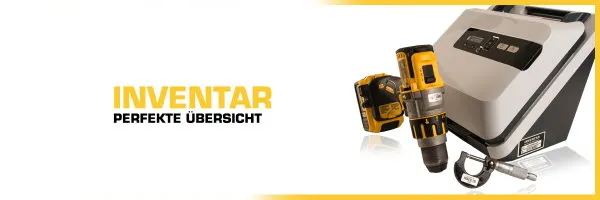
Your company logo plus sequential numbering results in a unique inventory code for each device. Combined with silver-coated material and security slits, the inventory label also acts as protection against theft and tampering. Details on the inventory number structure can be found in the inventory number guide.
Inspection labels with logo — DGUV V3-compliant
For inspection labels in accordance with DGUV V3, a company logo serves a dual purpose: recognition by the inspector and protection against tampering with counterfeit standard stickers. Combined with sequential numbering, each inspection sticker is uniquely identifiable. Suitable format: 40 × 15 mm or 45 × 25 mm white PE.
Product labels with EAN barcode and brand
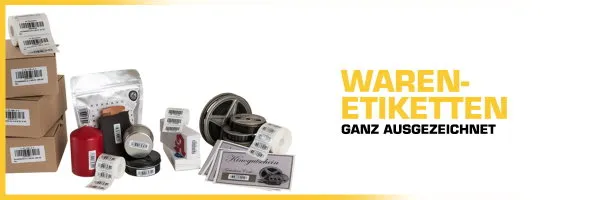
Product labels with a logo are part of a professional retail presentation. Combination: EAN barcode, product name, company logo — produced on a roll and supplied ready for thermal printing.
Stock and shelf labels
Shelves and storage locations marked with a barcode and company logo can be distinguished at a glance from third-party systems. Useful for shared warehouses, consignment warehouses or multi-client sites. Suitable format: 80 × 50 mm white PE.
Which barcodes does Label Studio support?
Label Studio covers the three most important barcode formats, which account for 90 per cent of applications in retail, industry and stock-taking:
- EAN — for consumer goods and the retail sector. The 13th digit (check digit) is calculated automatically.
- Code 128B — universal barcode for stock, inspection labels, internal processes and logistics. Compact and optimised for alphanumeric content.
- Code 39 — the classic choice for automotive, industrial and official labelling. Widely used and very robust when scanned.
- QR Code — as a standalone design element for URLs, Wi-Fi, vCards and any other content.
Check digits are calculated automatically for each symbology — you simply enter the base number.
FAQ — frequently asked questions
How do I get barcode labels with sequential numbering and my logo?
Open Label Studio, upload your logo as a PNG or SVG, add a barcode and enable sequential numbering in the Inspector. Set the starting number and number of digits, select the print run, add to basket — we’ll produce the entire roll for you.
In which formats can I upload my logo?
Label Studio accepts PNG, JPG and SVG. For optimal print quality, we recommend vector formats (SVG) or PNG with a resolution of at least 300 dpi. Export AI or PDF vector logos as SVG files.
What is the cost of the smallest print run?
The cheapest roll of 100 labels costs €36.90 (54 × 30 mm white PE). The cheapest unit price is €0.058 per label — for a run of 1,000 of the same variant.
Do I need to install any software to design my own labels?
No. Label Studio runs in your browser — Chrome, Firefox, Safari or Edge. No installation or registration is required to get started.
Can I save my layout for repeat orders?
Yes. Click ‘Save layout’ to save your design. The next time you visit, you can load it with a single click, adjust the start number and place another order — the number series continues seamlessly.
What materials are available?
Three materials: white PE (standard plastic, smudge-proof and waterproof), thermal (paper-based, affordable, for short-term labelling) and silver (premium look, robust, ideal for type plates and corporate branding).
What label sizes are available?
Five standard sizes: 40 × 15 mm, 45 × 25 mm, 54 × 30 mm, 68 × 34 mm and 80 × 50 mm. For custom sizes, please contact us by telephone on +49 7164 918 0456 or via the contact form.
Design now — open Label Studio
All you need is a browser and your logo. Label Studio immediately shows you a preview, the price and the print run — with every change, you can see exactly what the printed label will look like.
→ Open Label Studio now
Labels with logo · Sequential numbering · 27 variants · From €36.90 per roll