
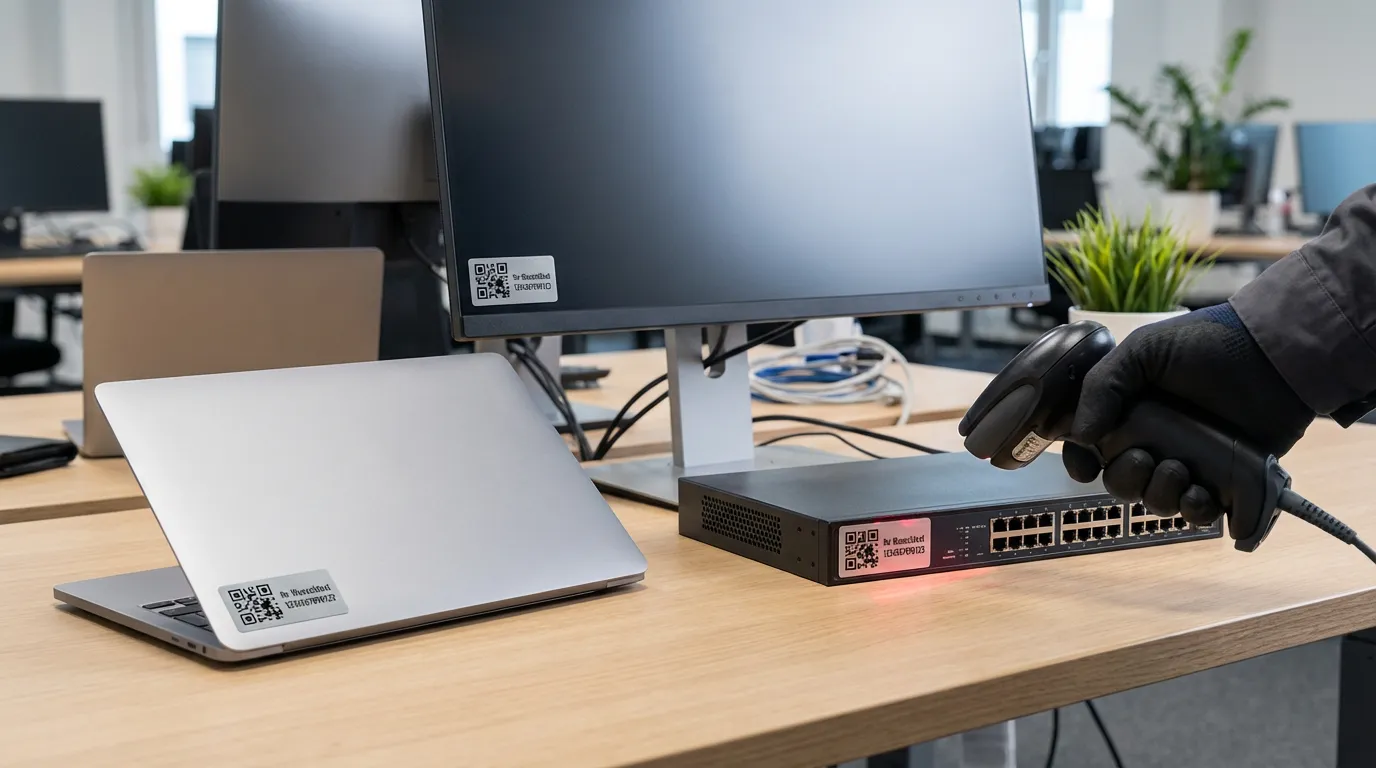
IT asset management with barcode labels – comprehensive hardware tracking
Anyone responsible for IT equipment in a company is familiar with the problem: laptops move between sites, monitors are swapped, and switches and servers sit in racks for years. Without proper IT asset management, you can quickly lose track of things – and with it, warranty claims, compliance records and hard cash. Barcode and QR code labels are the simplest way to uniquely identify every piece of hardware and retrieve its current status in seconds with a single scan. In this guide, you’ll learn how to set up a practical labelling system for your IT hardware.
What does IT asset management involve?
IT asset management (ITAM) refers to the structured recording and management of all IT-related assets throughout their entire lifecycle – from procurement through productive use to disposal. This includes laptops, desktops, monitors, printers, servers, network equipment, mobile devices, licences, and peripherals such as keyboards, headsets and docking stations.
A well-maintained ITAM system answers three key questions at any time: Which device is in use where? Who is using it? And when does the warranty expire? For this to work, every asset must bear a unique, permanently legible identifier – and this is exactly where barcode labels come into play.
Why barcode labels are the best solution
Handwritten inventory numbers fade, and Word lists become outdated the day they are created. A barcode or QR code label, on the other hand, is machine-readable, tamper-proof during entry (no transposed digits when typing) and can be scanned in under a second. Common codes in the IT sector are Code 128 (very compact for long inventory numbers) and QR codes, which can also store URLs to the ITAM database.
A QR code with an embedded link, for example, allows an employee to scan the label with their smartphone and immediately open the relevant ticket form or device file in their browser. This saves a huge amount of time in day-to-day support work.
Which labels can withstand the rigours of everyday IT life?
IT hardware rarely operates under laboratory conditions. Laptops are carried in bags, servers sit in warm racks, and switches gather dust. Paper labels have no place here – they tear, smudge and peel off. Instead, we recommend film labels made of PET or PE, which must have the following properties:
Smudge- and scratch-resistant, resistant to cleaning agents and hand perspiration, temperature-stable up to at least 80 °C, with a permanently adhesive acrylate adhesive and a service life of at least five to ten years. For demanding environments, there is also a protective laminate coating that protects the printed code from mechanical abrasion.
In practice, matt silver or white film labels in 40x15 mm or 50x25 mm formats have proven their worth. They are large enough to accommodate not only the code but also the inventory number in plain text, the company logo and, optionally, a telephone number for the finder.
Where is the best place to attach the labels?
The location determines whether the label remains legible for years. Practical guidelines: On laptops, on the underside next to the type plate – this area is rarely wiped, so the label remains protected. For monitors, on the top right of the back, clearly visible during stock-taking. For desktops, place the label on the front bezel or on the side; for servers and switches, on the front and also on the back so that it is legible from behind in the rack.
Important: Degrease the surface with isopropyl alcohol before applying the label. This extends the label’s adhesion by years and takes less than ten seconds.
Inventory by scanner – how it works
Once all devices are labelled, the annual inventory becomes routine. An employee walks through the rooms with a Bluetooth or USB barcode scanner and scans every label. The ITAM software compares the scanned codes with the target inventory and reports discrepancies immediately. What used to take days is now done in a few hours – error-free and audit-proof.
For smaller environments, a smartphone with a scanner app is often sufficient: the QR code is recognised by the camera, and the inventory number is transferred to a spreadsheet or recorded directly in a web application.
Assign inventory numbers systematically
Before the first label is printed, the numbering system should be established. A descriptive structure such as IT-NB-2026-0001 (asset class – device type – year of acquisition – sequential number) has proven effective. This allows you to see at a glance that it is a laptop from 2026 – even without database access. We produce the labels directly with sequential numbering; you simply specify the starting number and quantity, and each roll contains the codes in the desired order.
Are you planning the initial set-up for your IT inventory? Give us a call on +49 7164 - 918 0456 – we’ll advise you on the right material, format and coding.
Suitable labels in the shop
Our foil inventory labels with sequential numbering, logo and custom text are particularly well suited for IT asset management. If you want the flexibility to choose between Code 128 and QR codes, our universal labels offer the perfect solution in over 40 sizes. For labelling patch cables in racks, we also recommend special cable labels that adhere securely even to thin cables.